

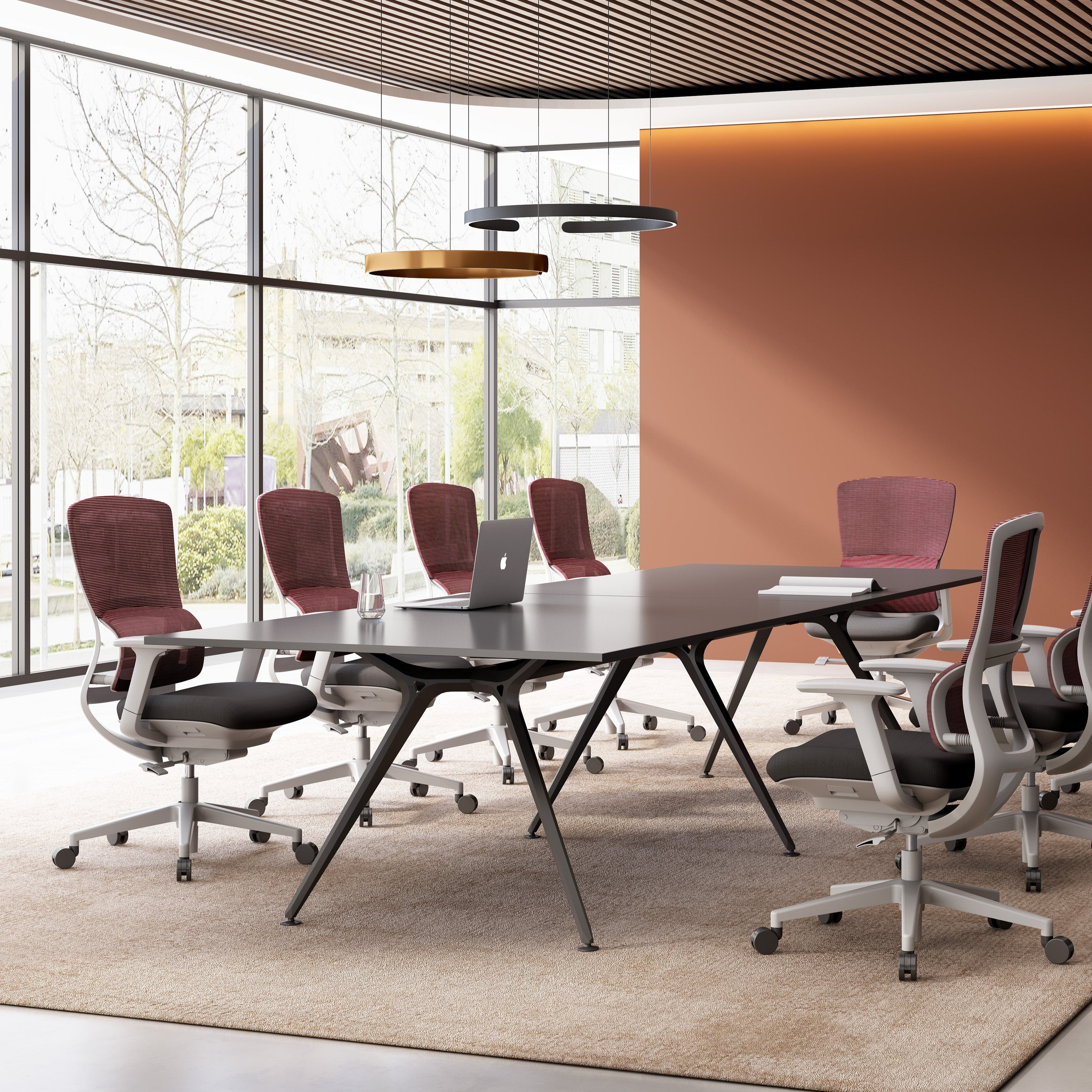

Buying an ergonomic office chair online sounds simple, until your back starts hurting after a week of use.
Many Canadian remote workers choose office chairs based on looks, reviews, or price without checking whether the chair actually fits their body. The result? Poor posture, lower back pain, neck tension, and costly returns.
Canadian remote workers now spend an average of 8.9 hours per day seated, according to a 2024 Statistics Canada Labour Force Survey supplement on hybrid and home-based work. That figure has increased 22% since 2019. Yet searches for "ergonomic office chair Canada" are ranked at an average position of 57 on Google, which means most buyers are making their purchasing decisions without expert guidance.
They buy chairs that look right on a product page and feel wrong by 3 p.m. They overspend on certification badges that don't reflect their body type. They ignore the one adjustment that would eliminate the back pain they've been managing with ibuprofen for six months.
This guide covers the seven ergonomic office chair buying mistakes that consistently come up in Canadian home office setups, what causes them, and precisely what to look for before you spend a dollar. If you are sitting down to read this, you probably already feel at least one of them.
Most Canadian remote workers buy ergonomic chairs based on price, aesthetics, or brand name rather than fit, adjustability range, and lumbar position. The seven most costly mistakes are: skipping seat depth adjustment, prioritising mesh over fit, buying by armrest count, ignoring lumbar curve position, underestimating chair weight capacity, mistaking tilt tension for tilt lock, and buying online without testing. Each mistake is fixable before purchase.
Mistake 1: Ignoring Seat Depth and Buying by Back Height Instead
Seat depth is the single most overlooked specification in ergonomic chair purchases. It determines whether the chair's lumbar support actually reaches your lumbar spine, or floats uselessly two inches behind your mid-back. Most buyers focus on chair back height because it looks impressive in a product photo. Seat depth is what creates contact.
The correct seat depth leaves a two to three finger gap between the front edge of the seat pan and the back of your knees. For the average Canadian adult male (seated height approximately 86 cm) this means a seat depth of 40 to 45 cm. For adult females (seated height approximately 80 cm), 38 to 43 cm is the clinical target range, per the Canadian Centre for Occupational Health and Safety 2023 ergonomic seating guidelines.
-
Check whether the seat depth is adjustable, not just listed as a fixed measurement.
-
Chairs with non-adjustable seat pans penalise anyone outside the average height range.
-
A seat that is too deep forces forward perching, which removes all lumbar contact entirely.
-
CEHA's office chairs feature adjustable seat depth as a standard specification, not an upgrade tier.
Visit CEHA's office chair collection to compare seat depth specifications across models.
Mistake 2: Choosing Mesh Material Over Fit Parameters
The ergonomic mesh office chair category has been the fastest-growing segment in Canadian home office furniture since 2022, driven largely by YouTube reviews that emphasise breathability. Mesh is a valid material choice. Buying a mesh chair because it looks like an ergonomic chair is a mistake that costs several hundred dollars.
Material is secondary to fit. A well-fitted foam-seat chair with correct lumbar positioning outperforms a poorly-fitted mesh chair on every clinical measure of spinal load, including disc pressure and surface EMG muscle activation in the lumbar erector spinae group.
-
Mesh backs vary in tension and can create shear stress at the thoracic-lumbar junction in users over 90 kg.
-
Fine-weave mesh with high thread count provides better lumbar zone support than loose-weave alternatives.
-
Evaluate mesh tension by sitting and pressing back firmly. You should feel firm, progressive resistance, not immediate bottoming out.
-
Hybrid chairs with mesh backs and contoured foam seat pans are currently the most clinically balanced format for 6+ hour seated use.
Mistake 3: Counting Armrest Adjustments Instead of Evaluating Armrest Range
Four-dimensional (4D) armrests are marketed as the premium standard in ergonomic office chairs. Many buyers interpret "4D" as automatically correct. Four-dimensional armrests only deliver value if their height range, forward-back travel, and pivot angle match your seated elbow height and shoulder width.

The clinical target for armrest height is 20 to 25 mm below the seated elbow height, with the arm resting at a shoulder abduction angle of zero degrees. Armrests set too high create trapezius elevation and cervical loading. Armrests set too low produce lateral trunk lean and shoulder instability.
-
Before purchasing, measure your seated elbow height from the floor with your feet flat and thighs parallel to the ground.
-
Compare that measurement against the published armrest height range minimum of the chair.
-
Width-adjustable armrests are disproportionately valuable for broader-shouldered buyers, where shoulder abduction is a primary fatigue driver.
-
Flip-up armrests are valid for users who prefer unrestricted lateral movement and work in narrow spaces.
Mistake 4: Assuming the Lumbar Support Will Land in the Right Place
Lumbar support is the most cited feature in ergonomic chair marketing and the most commonly misaligned feature in real-world setups. The lumbar spine curves inward at the L4-L5 segment, which sits between 18 and 24 cm above the seat surface for most seated adults. Most built-in lumbar supports are fixed, and they are frequently positioned lower than this target zone.
A lumbar support pressing against L5-S1 instead of L4-L5 creates a posterior pelvic tilt, which flattens the lumbar curve rather than maintaining it. This is the setup that produces lower back pain despite using an "ergonomic" chair.
-
Height-adjustable lumbar support is not a premium feature. It is the baseline requirement for a chair to function as advertised.
-
Depth-adjustable lumbar support allows independent calibration of support pressure, which matters for users with more or less pronounced natural lordosis.
-
After adjustment, the lumbar support should fill the inward curve of your lower back without pushing your torso forward.
-
If you currently sit with a rolled towel or lumbar cushion, that is the clearest diagnostic signal that your current chair's fixed lumbar support is misaligned.
For remote workers building a full home office solution, CEHA's home office organization guide covers how seating integrates with desk height, monitor position, and storage placement.
Mistake 5: Underestimating Weight Capacity and Its Effect on Mechanism Longevity
Weight capacity is listed in almost every chair specification, and almost no buyer checks whether their body weight falls within the recommended operating range rather than just the maximum load limit. Chair mechanisms, tilt systems, and gas cylinders are calibrated to operate correctly within a load range, not just below a ceiling.
A 180 kg buyer purchasing a chair rated to 150 kg is making an obvious mistake. A 90 kg buyer purchasing a chair rated to 120 kg, where the mechanism is calibrated for 60 to 100 kg, is making a more common and less obvious mistake: the tilt resistance will feel excessive, the seat will sit higher than the intended range, and the gas cylinder will wear faster than its rated lifespan.
-
Buy a chair whose weight capacity midpoint is close to your body weight, not just one where your weight falls below the maximum.
-
Heavy-duty task chairs with mechanisms rated for 130 to 160 kg provide more reliable long-term performance for users in the 90 to 120 kg range than standard chairs rated to 120 kg.
-
Canadian winters mean home office chairs get significantly more daily use hours than office chairs. Mechanism durability and cylinder lifespan are more important in Canadian remote work contexts than in shared office environments where chairs rotate between users.
Mistake 6: Confusing Tilt Tension with Tilt Lock and Setting Neither Correctly
Tilt tension and tilt lock are two different mechanisms that serve different ergonomic functions. Tilt tension controls how much resistance the chair back provides as you recline. Tilt lock fixes the chair back at a specific angle. Using them interchangeably, or leaving them in their shipping defaults, eliminates the postural variability that makes a quality tilt mechanism worth paying for.

Dynamic sitting, where the user alternates between upright and slightly reclined postures throughout the day, reduces sustained lumbar disc pressure compared to static upright posture. A 2022 study in Applied Ergonomics found a 12% reduction in L4-L5 disc compression in subjects who used dynamic tilt compared to fixed upright seating over a six-hour workday.
-
Set tilt tension so that leaning back requires slight active effort. You should feel the chair support your recline rather than either collapsing immediately or resisting movement entirely.
-
Use tilt lock for sustained focused work where postural stability supports concentration.
-
Release tilt lock for collaborative calls, reading, or tasks where dynamic posture is beneficial.
-
Chairs with multiple tilt lock positions (e.g., 100, 110, and 120 degrees) provide more utility than single-position locks.
Mistake 7: Buying an Ergonomic Chair Online Without Testing the Adjustment Range
Online purchases account for the majority of ergonomic chair sales in Canada, and they carry a structural limitation that most buyers do not plan for: you cannot test whether the adjustment range matches your body before the chair arrives. For a purchase in the $400 to $900 range, that gap between specification and fit is the most expensive mistake on this list.
The solution is not to avoid online purchasing. It is to test chairs with identical mechanisms at a physical showroom before finalising an online order, or to purchase from a local supplier whose return or exchange process allows for real-world fit evaluation.
-
Identify which chairs share the same tilt mechanism and seat platform across different product lines before visiting a showroom.
-
Spend a minimum of 15 minutes in any test chair. Ergonomic chair comfort at minute 2 and minute 15 are meaningfully different.
-
Ask specifically about the seat depth adjustment range, not just the seat height range.
CEHA Canada's showroom in the GTA is open for test sits across the full office chair range. Shipping from GTA means your chair arrives with competitive lead times across Ontario. Visit our office chairs collection to browse specifications before your visit, or order directly with confidence backed by 53 years of sheet metal manufacturing expertise.
What a Correctly Fitted Ergonomic Chair Actually Feels Like?
A correctly fitted ergonomic office chair does not announce itself. Your lower back maintains its natural inward curve without effort. Your feet rest flat without pressure at the back of your thighs. Your forearms rest at a relaxed angle without your shoulders elevating to meet the armrests. You can shift between upright and reclined posture fluidly. After two hours of work, you are thinking about your work, not your chair.
That is the benchmark. Every specification decision, from seat depth to tilt tension, serves that single outcome. The seven mistakes covered in this guide are the most consistent obstacles between a Canadian remote worker and a chair that meets it.
The right chair is not the most expensive one, the most reviewed one, or the one with the most adjustment points. It is the one whose adjustment range fits your body and whose mechanism you will actually use correctly every day.
Ready to Buy an Ergonomic Chair That Actually Fits?
CEHA Canada manufactures and supplies precision-engineered office chairs built for Canadian home offices. Welcome to visit our showroom in the GTA, or shop local with fast shipping from GTA directly to your door.
Button: Browse Office Chairs at CEHA Canada


